

Why it hurts:
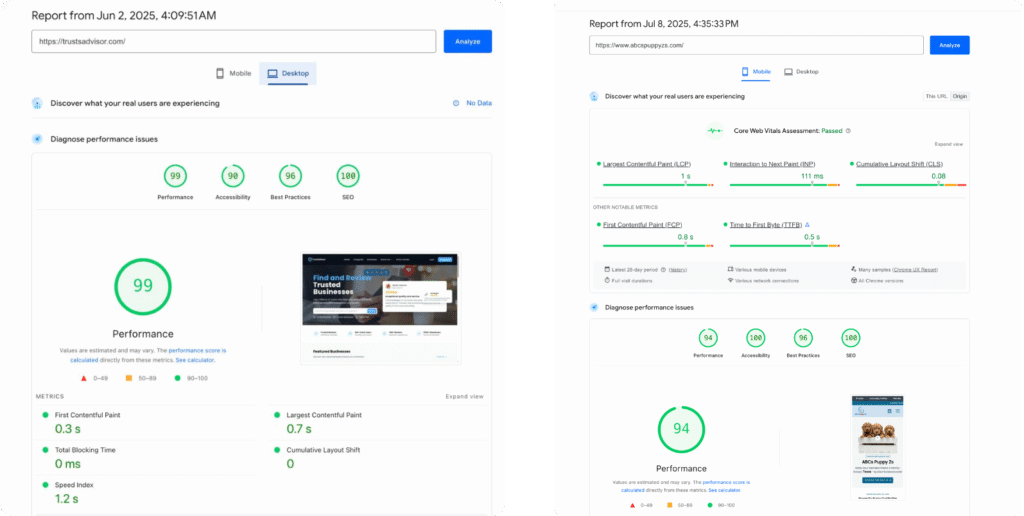
People hate waiting (40% leave if your site takes more than 3 seconds to load).
Google also ranks fast sites higher.
How to fix it: Compress your images (use tools like TinyPNG). Enable caching. Use a CDN (like Cloudflare). Minify CSS and JavaScript files.
Why it hurts:
Over 60% of traffic comes from phones.
A desktop-only layout frustrates visitors.
How to fix it: Use responsive design (Flexbox, CSS Grid). Test on different devices. Prioritize touch-friendly buttons and readable fonts.
Why it hurts:
If people can’t find what they need in 2–3 clicks, they leave.
Bad navigation kills conversions.
How to fix it: Keep menus simple-avoid too many items. Use clear labels (e.g., “Pricing,” not “Our Value Proposition”). Add a search bar if you have lots of content
Why it hurts:
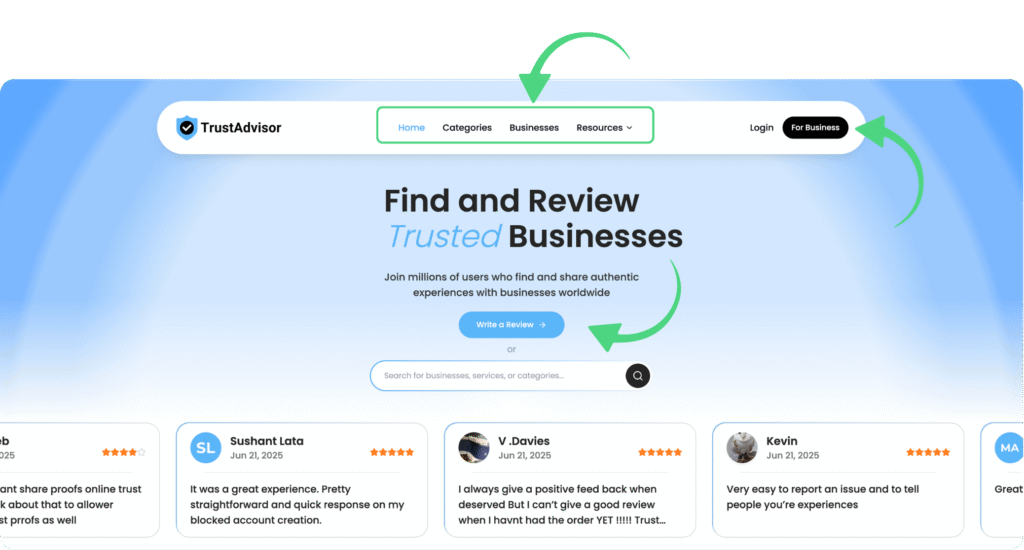
Visitors won’t guess what you want them to do.
No clear CTA = lost leads.
How to fix it: Add visible buttons (e.g., Get a Quote, Start Free Trial). Make CTAs stand out with color and size. Use action-oriented text (“Download Now,” “Book a Call”).
Why it hurts:
“Not Secure” warnings scare users.
Google penalizes insecure sites in search.
How to fix it: Get a free SSL certificate from Let’s Encrypt. Enable HTTPS on all pages. Redirect old HTTP URLs to HTTPS.
Why it hurts:
Visitors won’t guess what you want them to do.
No clear CTA = lost leads.
How to fix it: Add visible buttons (e.g., Get a Quote, Start Free Trial). Make CTAs stand out with color and size. Use action-oriented text (“Download Now,” “Book a Call”).
The post 5 Common Website Mistakes (How to Fix Them) appeared first on Muhammad Tabarak.